Where to put your chat link: 12 spots that bring in questions
In this post
Your chat page can answer questions day and night, but only if people find it. The trick is to put your link where customers already are when a question comes up: scrolling your profile, reading your invoice, standing at your door after closing time.
Here are 12 spots that work, and how to tell which ones bring in the most chats.
Before you share it
- Settle on your link first. If you change it later, the old one stops working right away, and so does every QR code you've printed with it.
- Add your logo and a one-line description. They show in the preview when your link is shared in a message or on social media.
- Write a short call to action. "Questions? Ask us, day or night" makes people curious. "Scan me" doesn't.
Online
- Your social bios. Instagram, Facebook, TikTok. It's the first place people look, and a link beats "DM us for prices."
- Your Google Business Profile. People searching for you nearby see it before anything else. Add your link as your website or as your appointment link.
- Your website. A "Chat with us" button in the header or beside your contact form gets visitors an answer instead of a form to fill in.
- Your email signature. Every email you send becomes a way in. Add it to your out-of-office reply, too.
In your messages
- Text and WhatsApp replies. Save a quick reply with your link for the questions you answer every day.
- Quotes and invoices. A line like "Questions about this quote? Ask here any time" catches customers right when they're deciding.
- Your voicemail greeting. "For a quick answer, chat with us at pingfig.com/your-name." A short link is easy to remember.
In print, with your QR code
Download your QR code from the Overview of your dashboard. It opens your page when scanned.
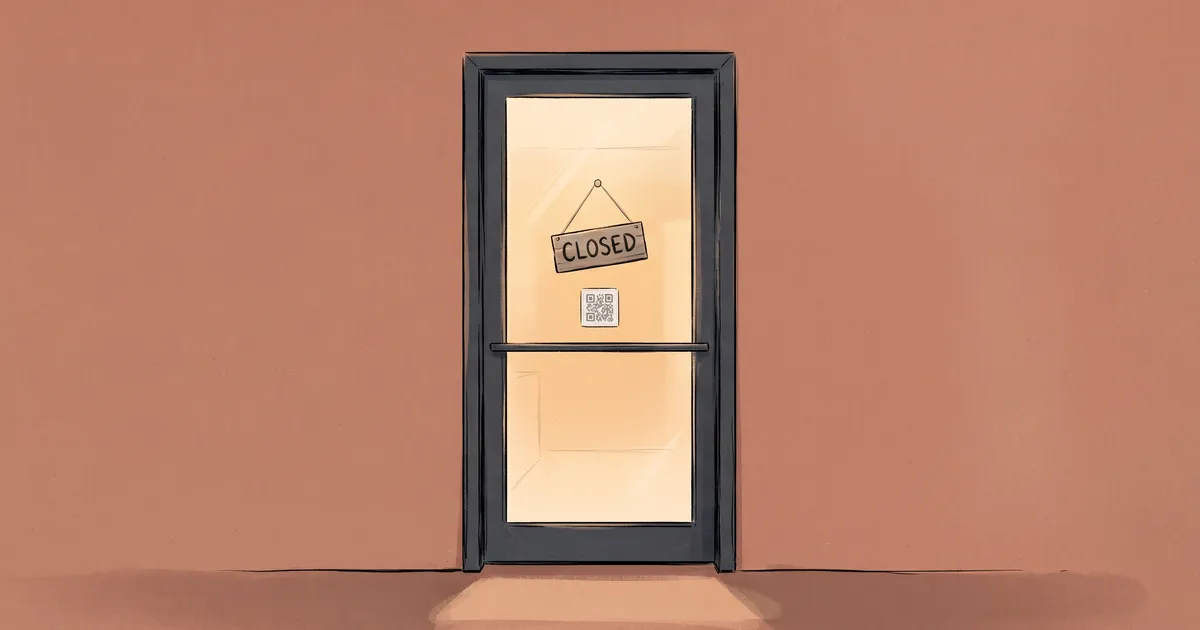
- Your door and window. "Closed? Ask us anything" turns people walking by after hours into chats.
- Your counter or till. For customers who think of a question while paying, or after they've left. Add it to receipts and packaging too.
- Business cards and flyers. A card goes in a drawer. A card that answers questions gets used.
- Your vehicle. Your van is parked on job sites all day. Put the QR code where people walking by can scan it, and the link in letters big enough to read from a car.
- Signs at a job. A "Work by…" sign on a lawn or a renovation shows the neighbours what you do. The QR code lets them ask about prices.
Keep the white border around the code and print it at least 2 cm (about an inch) wide. Scan a test print before you order a big batch.
See which spots work
Add a tag to the end of your link, a different one in each place:
pingfig.com/your-name?utm_source=instagram
Every chat started from that link shows where it came from in your Conversations. Instagram, Facebook, Google, WhatsApp, email, SMS and website tags show with their own name and icon, and any other tag, like invoice or van, shows as you wrote it. The QR code is already tagged, so those chats show "From QR code."
After a month, look at where your chats came from. Put more effort into the spots that bring in questions, and drop the ones that don't. See Sharing your page for all the details.
Start with three
You don't need all 12 this week. Pick one place online, one in your messages and one in print, like your Instagram bio, your quote template and your door. Add more as you see what works.
Create your free page, or try the demo to see what your customers will see.