You don't need a website. You need a page that talks back.
In this post
Think about the last plumber, hairdresser or photographer you hired. You probably didn't read their "About us" page. You sent a message: How much? Are you free Saturday? Do you come to my area? And you went with whoever answered first.
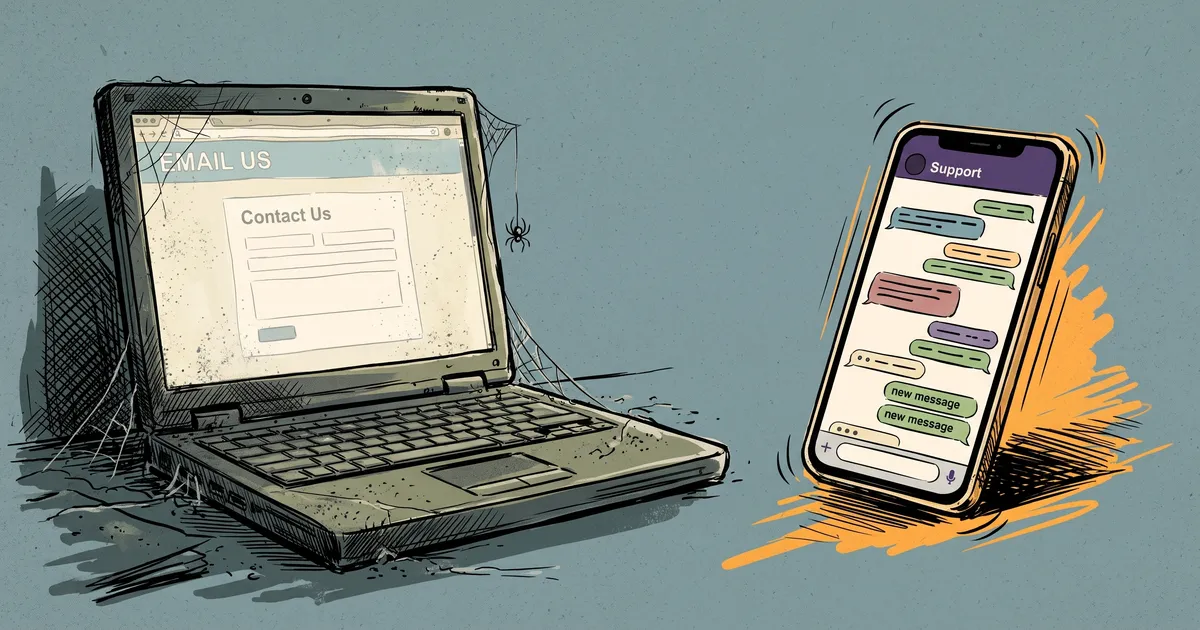
That's the shift. People don't browse for answers anymore. They ask for them. They ask friends, they ask in DMs, they ask AI assistants, and they expect a reply in seconds. A traditional website wasn't built for that. It's a brochure: it waits to be read.
If you're a freelancer or run a growing business, that changes the question. It's no longer "Do I need a website?" It's "Who answers when a customer asks?"
The website you're told you need
The usual advice goes like this: get a domain, pick a template, write five pages, add a contact form, keep it all up to date. Then hope people find it, read it and fill in the form.
Here's what tends to happen instead:
- It takes weeks, and often money, to build. Then it's out of date the first time your prices or hours change.
- Visitors don't read it. They skim for one answer (the price, a free slot, whether you cover their area) and leave if they can't find it in a few seconds.
- The contact form is a dead end. "We'll get back to you within 24 hours" is a long time when the next business on the list replies now.
- It's silent when customers are asking. Questions come at 11 p.m., on weekends and while you're busy with a job. A website can't answer the one thing a customer actually wants to know.
None of that makes websites bad. It just means a website on its own doesn't do the job most customers need done.
People don't browse anymore. They ask.
Look at your own messages. The same questions arrive again and again:
- "Price?"
- "Are you open Sunday?"
- "Do you deliver?"
- "Can you do it by Friday?"
Each of those is someone close to buying, asking the simplest possible question. Answer quickly and you're in the running. Leave it until tomorrow and they've often moved on.
That's why the most useful thing your business can have online isn't more pages. It's something that answers.
What a page that talks back does
A page that talks back is a single link where customers ask their question and get a real answer, from your own information, at any hour.
With PingFig, that page lives at pingfig.com/your-name, with your logo and a one-line description. Here's what it does:
- It answers from what you wrote. You write down what a new employee would need to know: what you offer and what it costs, your hours, the area you cover, how to book, and the questions people always ask. The AI answers only from that, so it doesn't make up prices, dates or deals. When it isn't sure, it says so and offers to have you follow up.
- It works day and night, in their language. Customers don't need an app or an account. They open your link and type, and the page replies in the language they write in.
- It turns interested people into leads. When someone wants a quote, a booking or a callback, the AI asks for their name and a phone number or email, plus any details you ask for, like the date or the size of the job. It saves the lead and emails you right away.
- It lives where your customers already are. Put the link in your Instagram bio, on your Facebook page or Google profile, or print the QR code on flyers, cards or your van. Tag your links and each chat shows where it came from.
A website vs. a page that talks back
- Getting started. A website needs a domain, a template, pages and forms. A page that talks back needs you to write what you know and share one link.
- When a customer has a question. On a website, they search your pages or fill in a form and wait. On a page that talks back, they ask and get an answer straight away.
- After hours. A website is silent. A page that talks back answers any time.
- Keeping it current. A website means editing pages and republishing. A page that talks back uses your new info on the very next reply.
- What you get. A website gives you page views. A page that talks back gives you leads with a name and a phone number or email.
When you still need a website
To be fair, some businesses do need a full website:
- You sell products online and need a shop, a cart and a checkout.
- Search is your main source of customers, and you're investing in content and SEO.
- Your work needs a big portfolio, like project galleries or long case studies.
Even then, a page that talks back works alongside it. Add a "Chat with us" link or button to your site that opens your page, so visitors get answers instead of a contact form. It doesn't replace your website; it makes it useful at 11 p.m.
How to get your page talking
- Write down what you'd tell a new hire. What you offer, real prices or "from" prices, your hours, the area you cover and how to book.
- Add the questions your DMs are full of, with your real answers. Already have an FAQ? Paste it in: it works better as a chat.
- Say what you don't do, and what you need for a quote. Customers get a clear answer, and every lead arrives ready to price.
- Share the link everywhere. Your bio, your Google profile, your email signature, a QR code by the till.
Your page goes live as soon as you save your info, and you can change it any time. For more tips, see how to train your AI chat assistant.
The bottom line
Customers have changed how they look for answers. They don't want to read about you; they want to ask you something and hear back now. For most freelancers and growing businesses, the first thing to build isn't a website. It's a page that talks back.